ERP Module

Ticketing System

A centralized ticket management system that helps teams create, assign, prioritize, and resolve support requests with complete visibility from submission to closure.

  • Centralized Ticket Management
  • Smart Ticket Assignment
  • Priority & Status Tracking
  • Team-Based Workflows
Capabilities

What Ticketing System unlocks

Three highlights from the module — open the full feature set below.

Team Collaboration

Keep teams aligned with internal comments, updates, mentions, and shared ticket information.

Priority & Status Control

Set ticket priorities and track progress through customizable statuses from open to closed.

Automated Notifications

Keep users informed with timely notifications for new tickets, assignments, replies, status changes, and updates.

Reports & Analytics

Monitor ticket volume, response times, resolution rates, workloads, and overall support performance.

Ticket Lifecycle

How Ticketing System rolls out

A simple four-step workflow that takes every request from submission to resolution with clear ownership and complete visibility.

  1. 1

    Create a Ticket

    Submit a request with the relevant details, category, priority, and supporting information.

  2. 2

    Assign & Prioritize

    Route the ticket to the right team or team member and set its priority based on urgency and impact.

  3. 3

    Work & Collaborate

    Investigate the request, communicate with the requester, add updates, and collaborate with the assigned team.

  4. 4

    Resolve & Close

    Resolve the issue, record the outcome, and close the ticket while keeping its complete history available for future reference.

Smart & Centralized Support Management

About Ticketing System

Overview

Centralize support requests, streamline team workflows, and keep every issue organized from submission to resolution. The Ticketing System gives your teams complete visibility into ticket status, ownership, priorities, communication, and resolution history—all from one place.

Features

Ticketing System Features

A powerful set of tools built to give your team full control and visibility.

01

Ticket Management

Create, organize, update, and track support tickets throughout their complete lifecycle.

Ticket Management

01

Ticket Management

02

Smart Assignment

Assign tickets to the right team members and maintain clear ownership of every request.
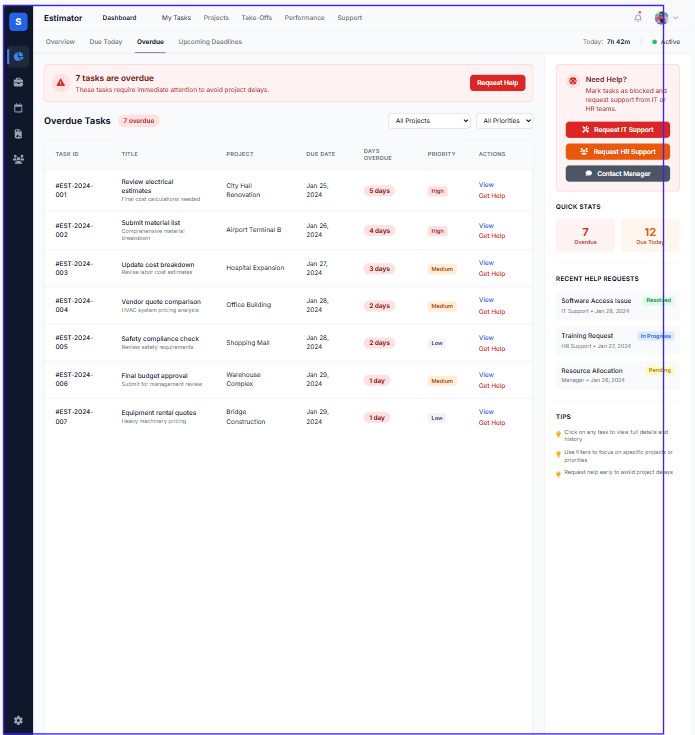
Smart Assignment

02

Smart Assignment

03

Status Tracking

Monitor ticket progress with clear statuses from creation through resolution and closure.
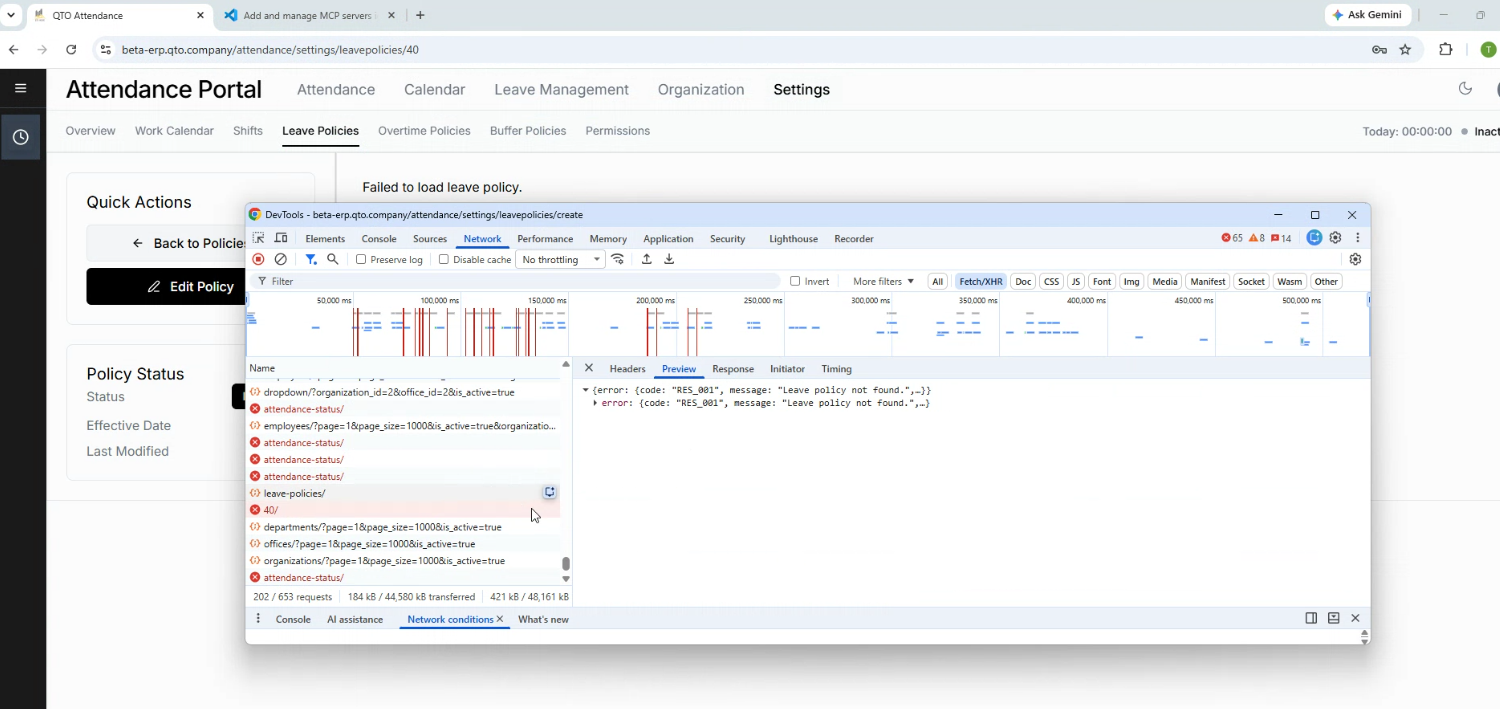
Status Tracking

03

Status Tracking

See Ticketing System in action

Watch a quick overview of all key features and how they work together seamlessly.

Explore More

See All Applications

Ready to Simplify Your Operations with QTO ERP?