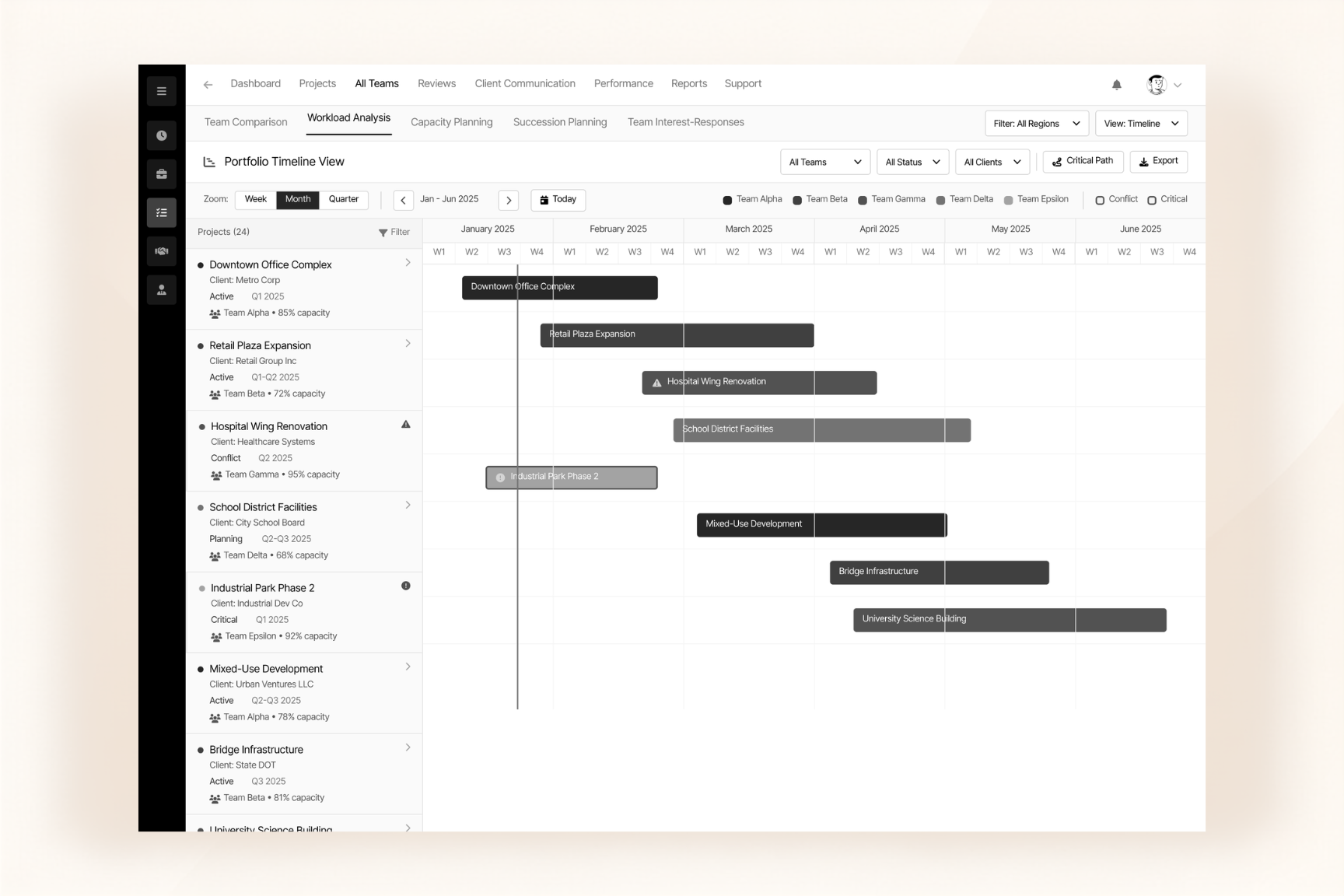
Seamlessly move awarded projects from CRM into project management while keeping assignments, workflows, reviews, approvals, and deadlines organized in one place
Manage awarded projects from CRM handover through execution with centralized workflows for assignment, estimation, reviews, approvals, deadlines, and team workload
Move awarded deals from CRM to Project Management with relevant client and project information, reducing manual handover steps.
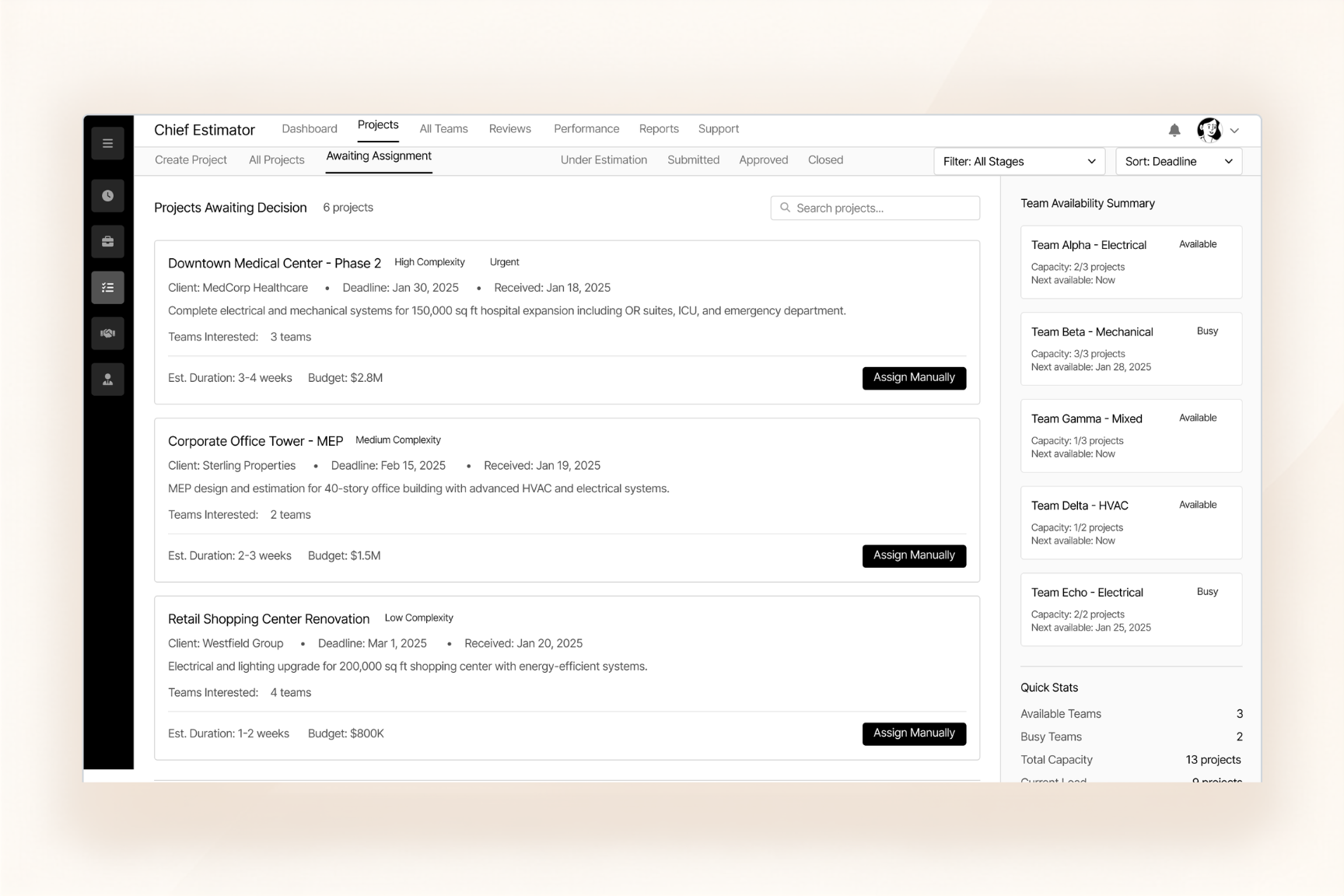
Assign projects to teams, team leads, or estimators and track work through defined estimation and execution stages.
Manage multi-level reviews, revisions, rejections, approvals, deadlines, and workload in one centralized project workflow.
Move awarded projects from CRM into Project Management and guide them through assignment, execution, review, approval, and completion with a centralized workflow.
Once a deal is awarded in CRM, the project moves into Project Management with its relevant client and project information
Assign the project to the right team, team lead, or estimator and begin the required estimation or execution stage.
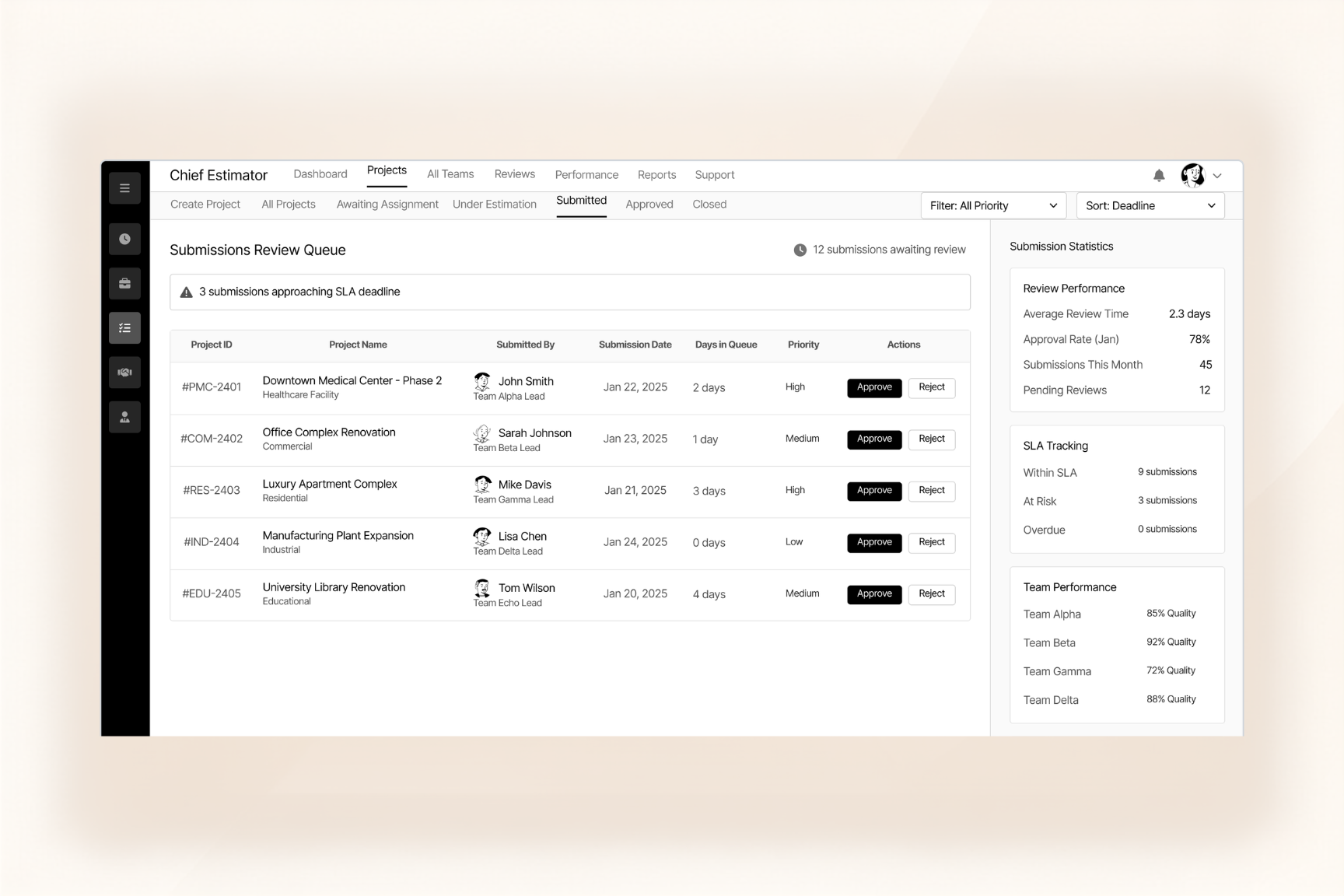
Move work through structured review, revision, and rejection stages between the relevant project roles before final approval.
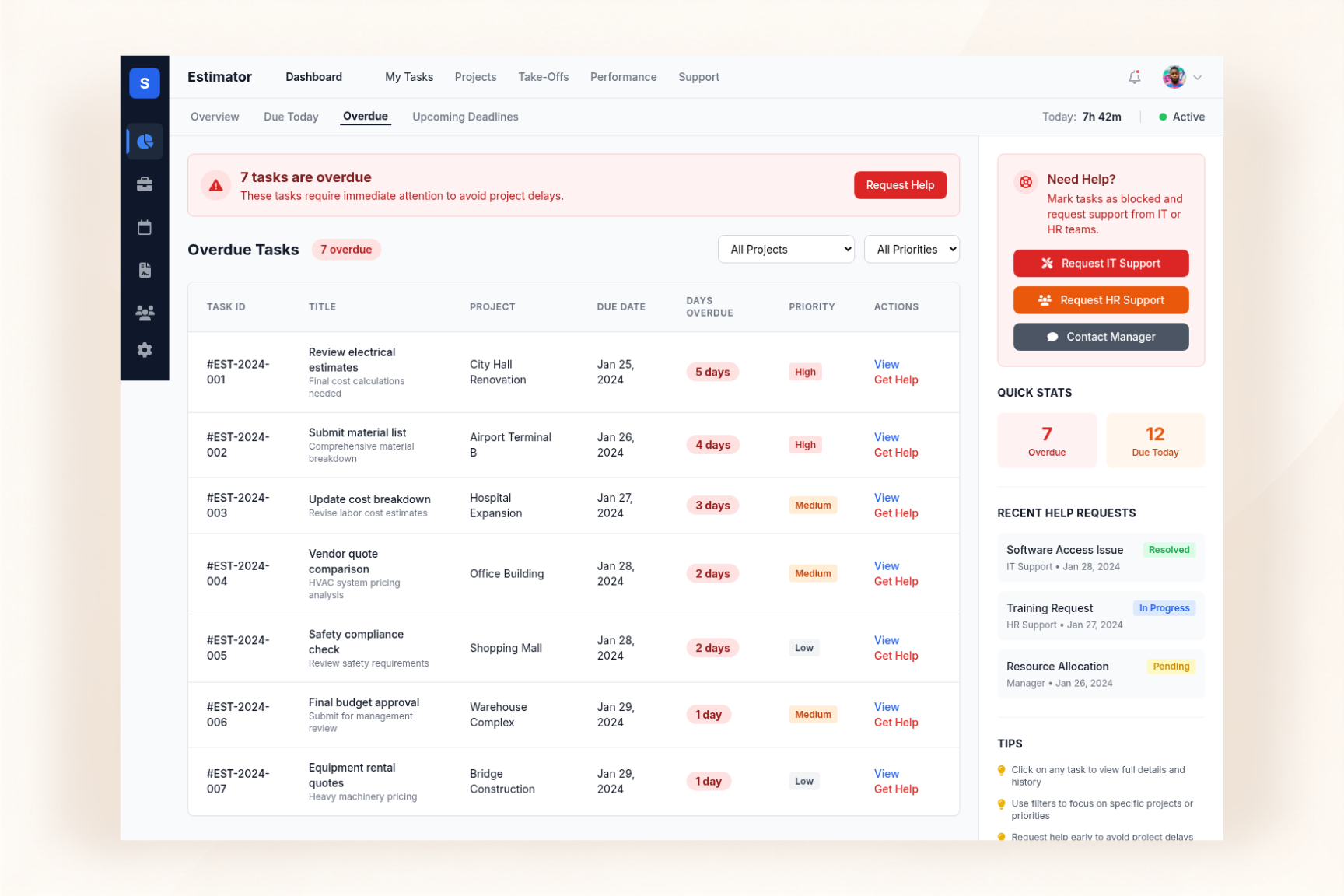
Complete the approval process, monitor deadlines and overdue work, and keep project progress and team workload visible through centralized trackin
The day-to-day pain points this module removes — and what it puts in their place.
Projects Get Stuck Between Teams
QTO ERP connects CRM with Project Management, automatically handing awarded projects to PM with relevant client and project information.
Reviews and Approvals Cause Project Delays
QTO ERP provides a centralized review, revision, and approval workflow with clear project stages, deadlines, and responsibility tracking.
QTO ERP connects CRM and Project Management so awarded projects move smoothly into execution with the right client and project information. Assign projects to the right teams, track estimation and execution stages, and manage reviews, revisions, approvals, deadlines, and workload from one centralized system.
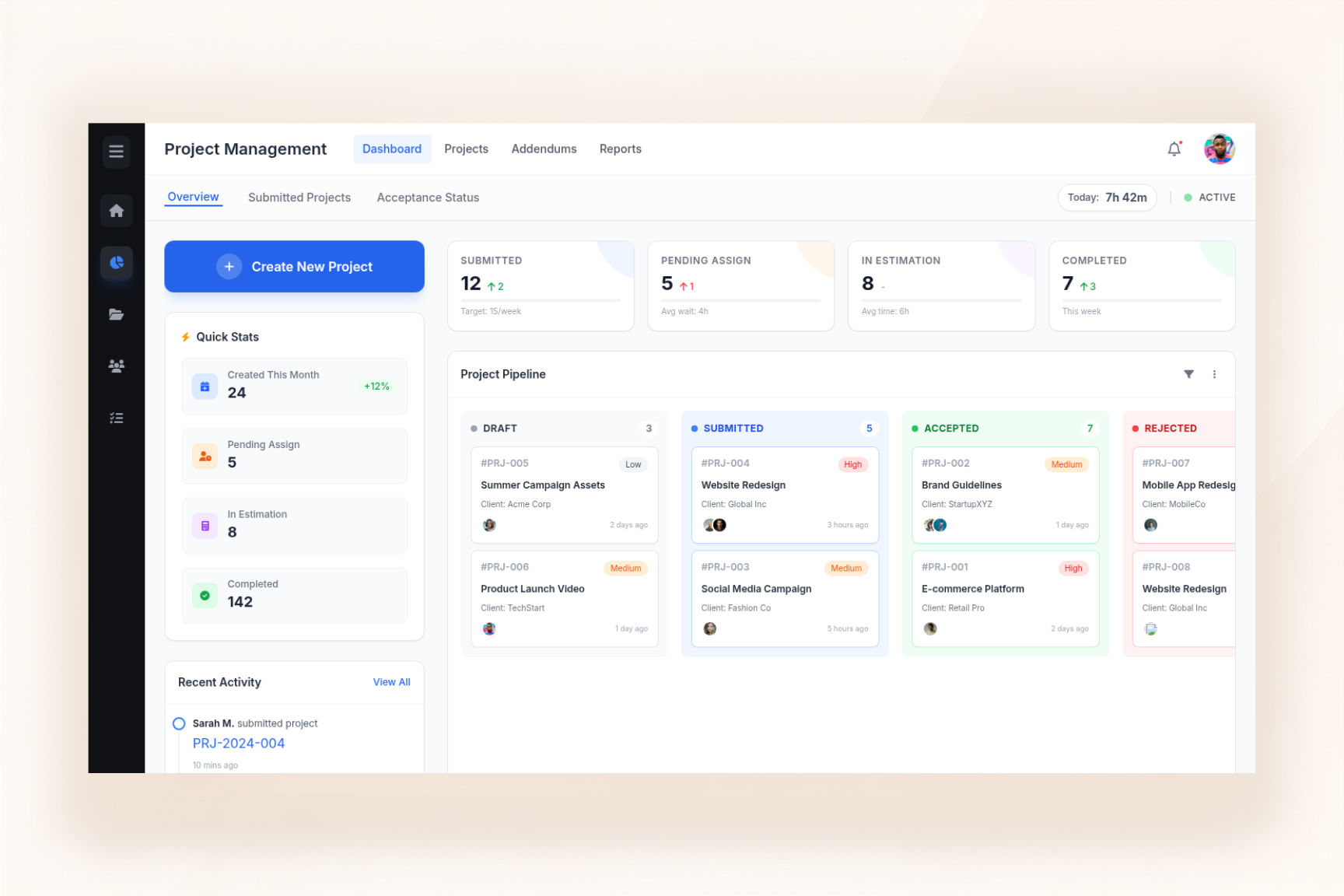
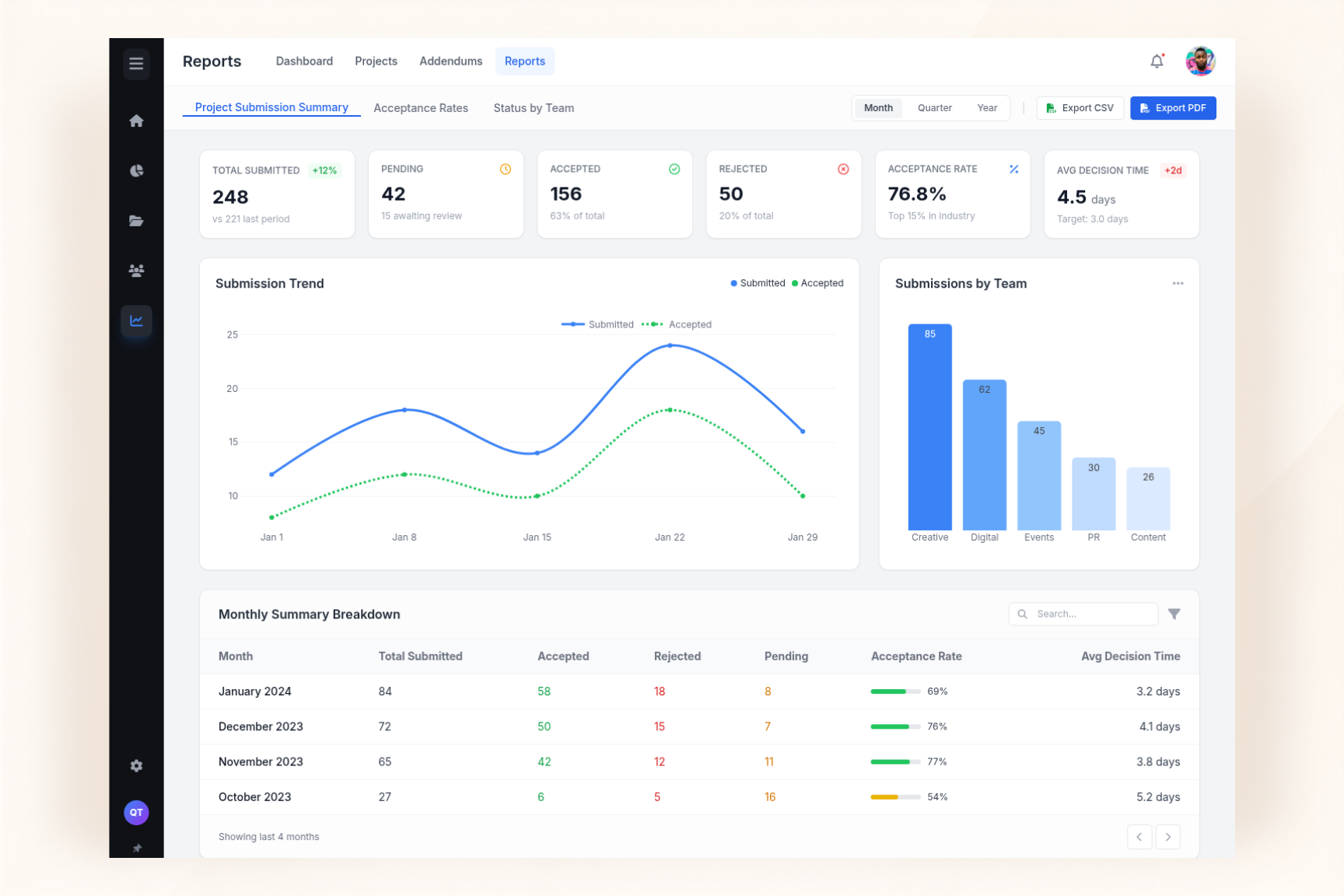
Manage project handovers, assignments, estimation, reviews, approvals, deadlines, and team workloads through one centralized workflow connected with CRM.
Once a deal is awarded in CRM, the project can move into Project Management with the relevant client and project information. This connected handover reduces duplicate data entry and gives the project team the context they need to begin the next stage.

01
Assign awarded projects to the right team, team lead, or estimator and establish clear ownership from the beginning. Keep responsibilities organized so every project has a defined team and the right people can manage its assigned work.

02
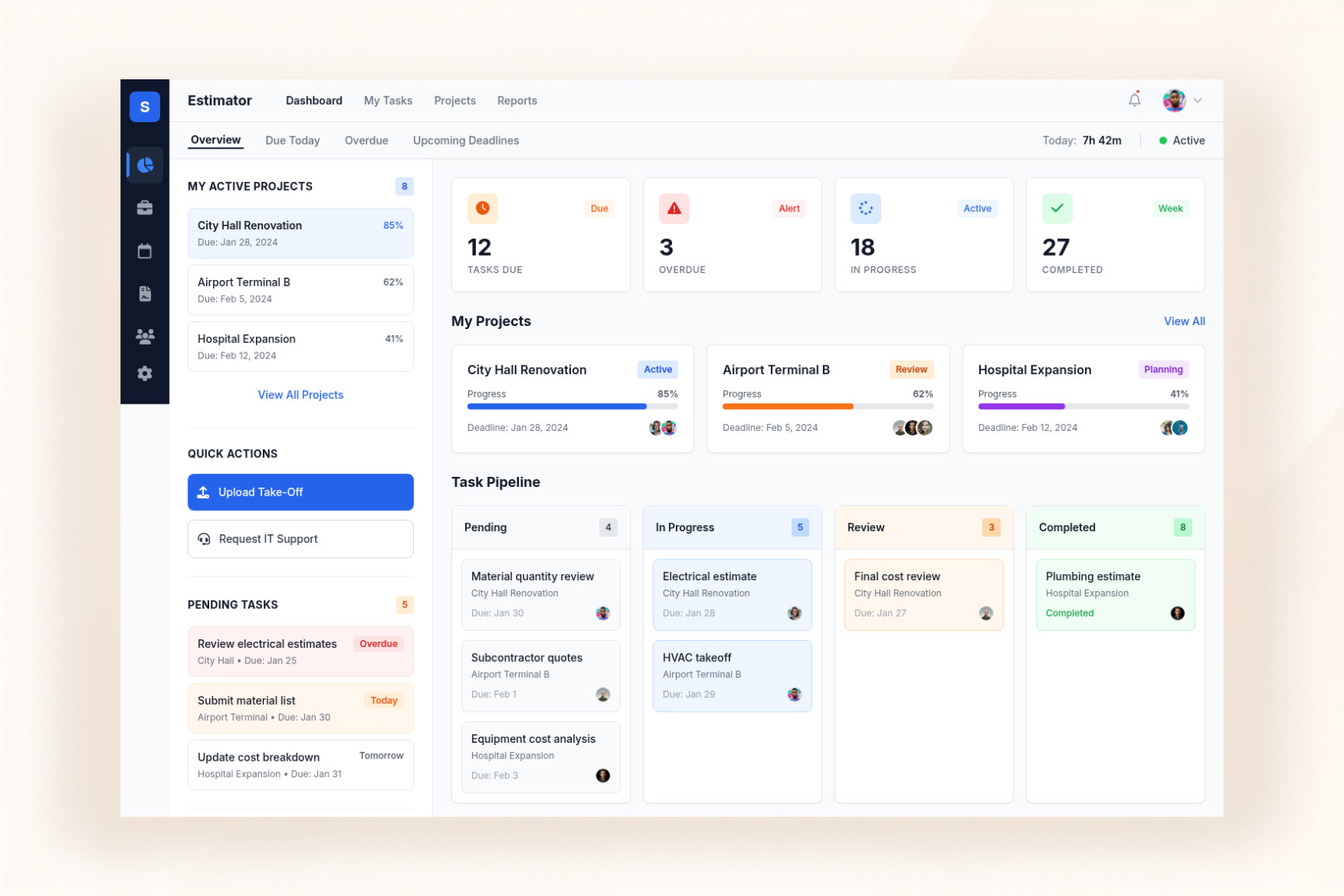
Move projects through defined estimation and execution stages while keeping progress organized within the project workflow. Teams can follow the required internal stages and maintain a clear view of the work as the project moves forward.

03
Manage structured review, revision, rejection, and approval processes across project roles. Work can move between estimator, team lead, chief estimator, and management according to the required review stages before final approval.

04
Keep project deadlines, priorities, delays, and overdue work visible in one place. Monitor important due dates and identify projects that need attention so teams can stay focused on pending and delayed work.

05
See which teams are handling which projects and understand how work is distributed across the organization. With role-based access and actions, users can work within the responsibilities and permissions assigned to their roles.

06
Explore a quick overview of all key features and see how they work together seamlessly to streamline projects, boost productivity, and keep teams on track.